Check the plan first
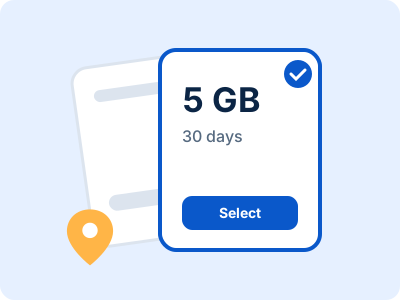
Hotspot or tethering availability depends on the plan and provider. Look for an explicit statement in the plan details, especially if you expect to connect a laptop or share data with a companion.
Do not assume every eSIM plan permits hotspot use.
Turn on the phone hotspot
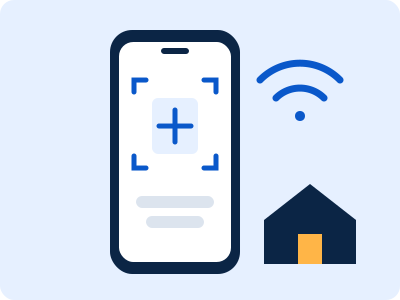
On most phones, open Personal Hotspot or Mobile Hotspot in settings, set a strong password and connect the second device through its Wi-Fi menu. Keep the phone nearby while tethering.
Menu names vary by device and operating system.
Watch data and battery
Video calls, operating system updates and cloud sync can use data quickly. Check usage on the phone and pause large downloads while tethered. Hotspot sharing can also warm the phone and drain its battery faster.
A charger or power bank is useful for longer sessions.
Protect the connection
Use a password, turn the hotspot off when you finish and connect only devices you trust. Avoid sharing the password publicly, and review which devices are connected if your phone offers that view.
If the connection fails, confirm the travel line is selected for data and consult the plan’s hotspot support information.