Before you leave home
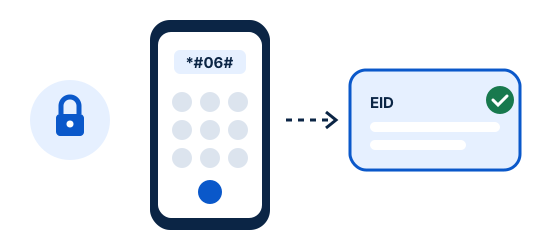
Download your airline details, accommodation address and any boarding or transfer information. Save an offline map of the arrival area and the first part of your route. If using a travel eSIM, check its device compatibility, coverage and activation rule in advance.
Keep essential booking details available without a data connection.
Use airport Wi-Fi carefully
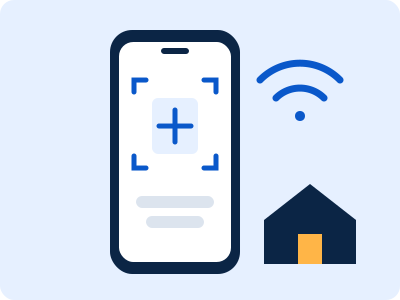
Airport Wi-Fi can help you message someone or finish setup, but availability and sign-in steps vary. Connect only to the official network shown by airport signage, and avoid entering sensitive account details on unfamiliar shared devices.
A captive portal may require opening a browser and accepting the airport’s terms.
Switch to the right mobile line
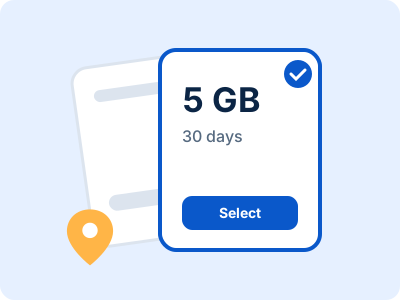
Once your plan is ready, select the travel line for mobile data and check that it has connected. Keep your home line enabled only if you want it and understand possible roaming charges. The exact settings depend on your phone.
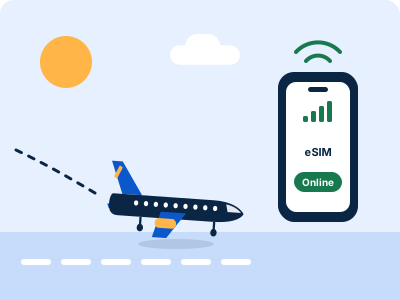
A few minutes of setup at the gate can prevent a rushed search after you exit.
Plan your first connection
Open your map, confirm the destination address and choose your route before leaving the terminal. If service is slow or absent, try the provider’s recommended network selection steps and use airport Wi-Fi as a backup while you troubleshoot.